Payments
See every payment recorded against your bills.
Recording a payment
There's no separate "new payment" page — payments are always recorded from the bill they belong to. Open the bill and tap "Record payment" (only shown once the bill is Issued/Partially Paid with a balance due).
- Amount, date, method (Cash, Bank Transfer, UPI, Cheque, Other), reference, and notes.
Note
The amount can't exceed the bill's remaining balance — you'll see "Amount cannot exceed the balance of …" if you try to overpay.
The payments list
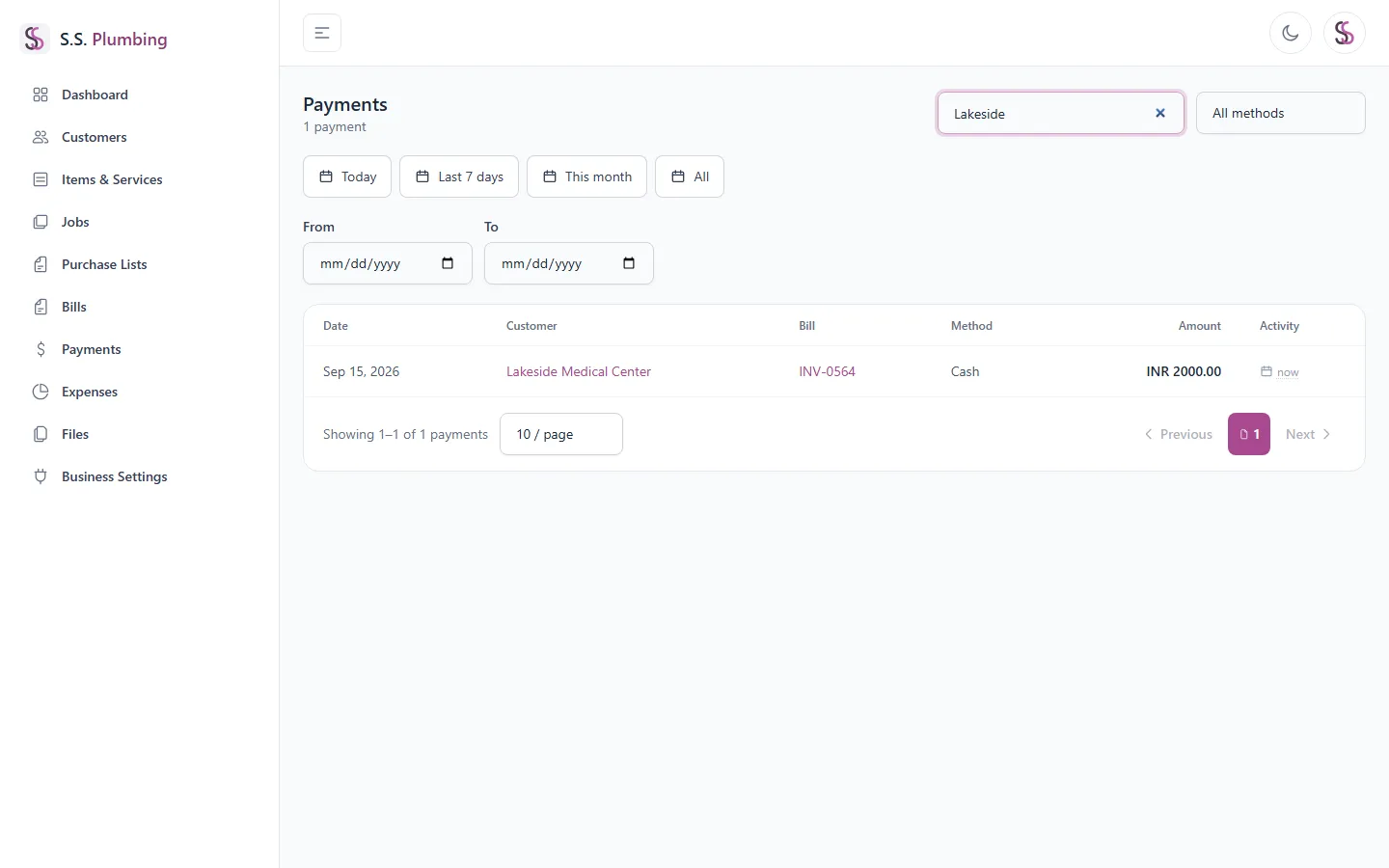
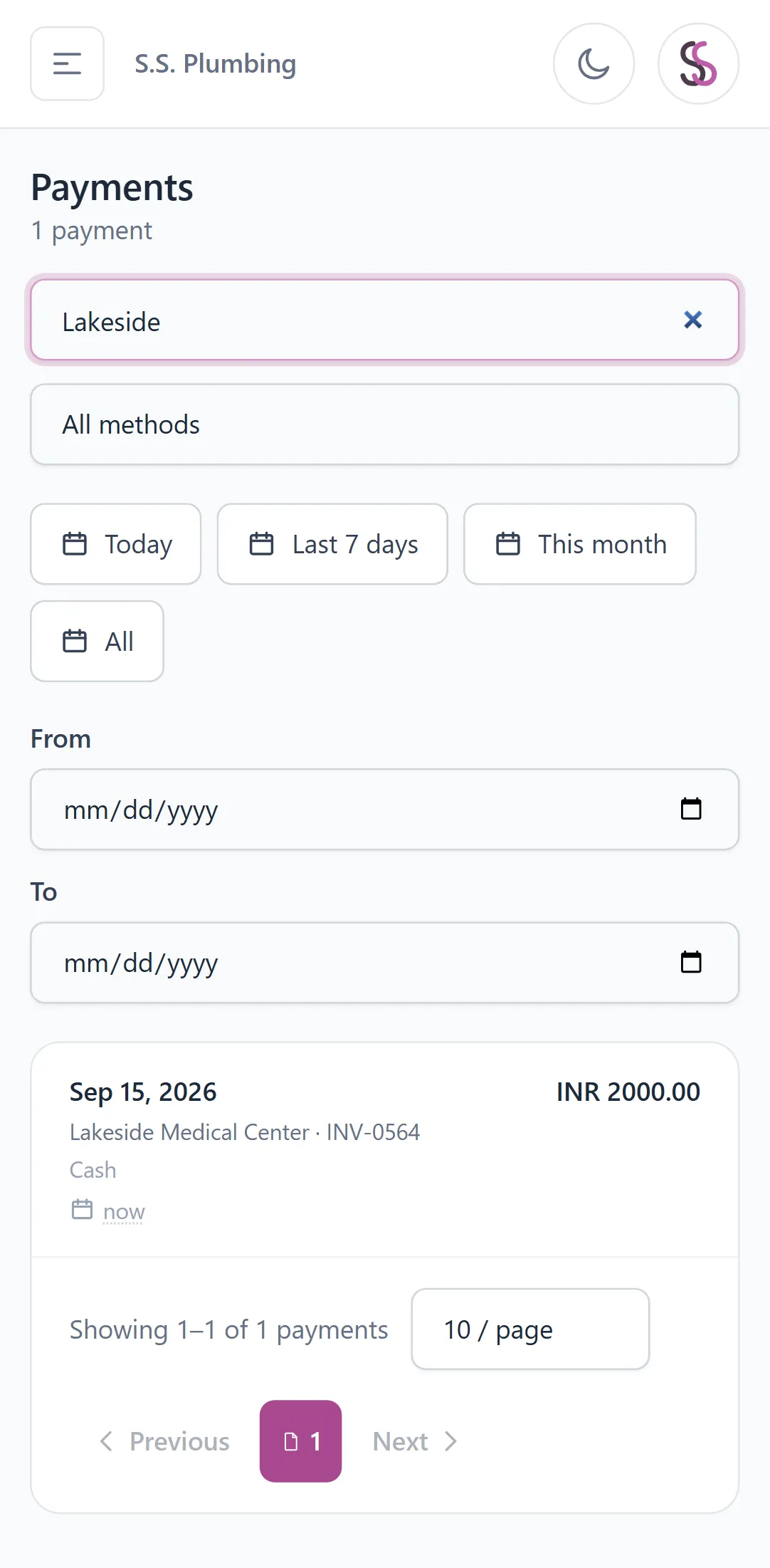
This page lists every payment across all bills. Search by bill number, customer, or notes; filter by method; filter by date range with Today / Last 7 days / This month / All presets.
- A "Clear dates" button resets the date range.
- Each row links back to the related customer and bill.
- Desktop shows a table; mobile shows a card list.
Note
If "From" is set after "To", an inline message tells you the date range is invalid — fix the order to see results.